




Live layout
Build your game-night loadout
Drag pockets to arrange them. Measurements are print-scale millimeters.
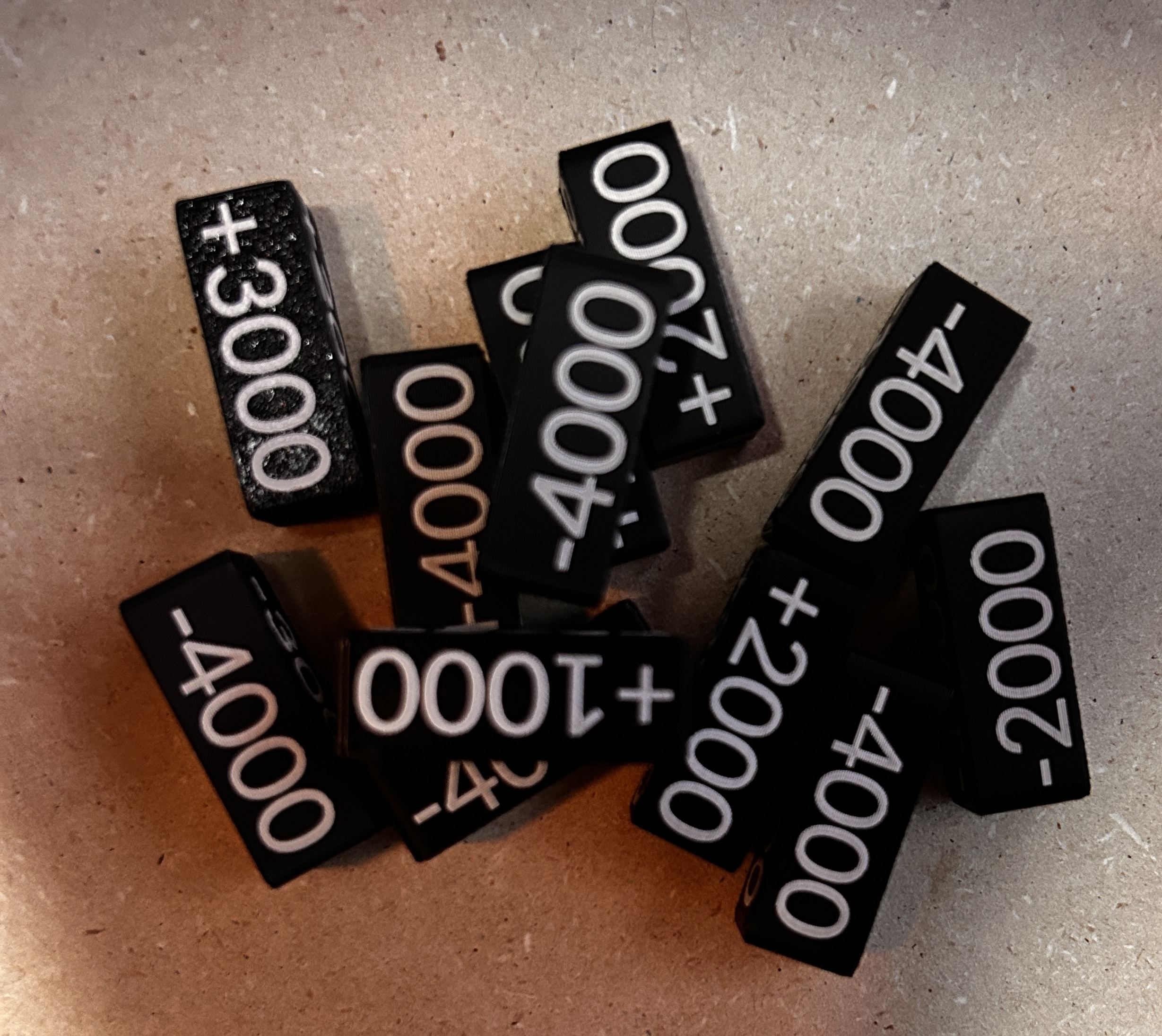
Custom Text Token
Token face preview
This preview sits outside the fitted tin layout and shows the selected token's laser text.
Enter the full actual height of every game piece. TinForge lowers each piece into its pocket so 4.0 mm remains above the insert. With accurate measurements, every piece reaches the same 21.0 mm assembled top height, making the lid hold them evenly.
- Use digital calipers whenever possible.
- Enter all measurements in millimeters.
- Measure the widest and tallest outside points.
- Measure each dimension from every applicable side and enter the largest value. Dice and other pieces may look even, but one side can measure slightly larger than another.
- Measure the full actual thickness or height.
- Check irregular shapes in more than one place.
- Do not estimate from packaging or advertised sizes.
The locked 0.7 mm fit allowance is applied when the insert is made to help ensure your game pieces fit without being too tight. It cannot correct a significantly inaccurate measurement.
Print setup
Spacing and vertical fit
Layout spacing
Grid size controls how far pieces move per step while snap is on. It does not change the printed dimensions.
Vertical fit
The pocket includes 0.7 mm total fit allowance—approximately 0.35 mm around each side of the measured piece. This added space is used when the insert is made to help your game pieces fit without being too tight.
18.0 mm insert top · pieces align at 21.0 mm