Designed and manufactured in Arizona

Printing that makes your world click.

Smart Wi-Fi thermal printers designed for the RadPaul family of iPhone apps. Choose plain continuous-feed paper with Compact or sticky-back labels with Design 2—without ink cartridges.

  • Wi-FiEasy connection
  • ThermalNo ink required
  • Made for iPhoneRadPaul app ready
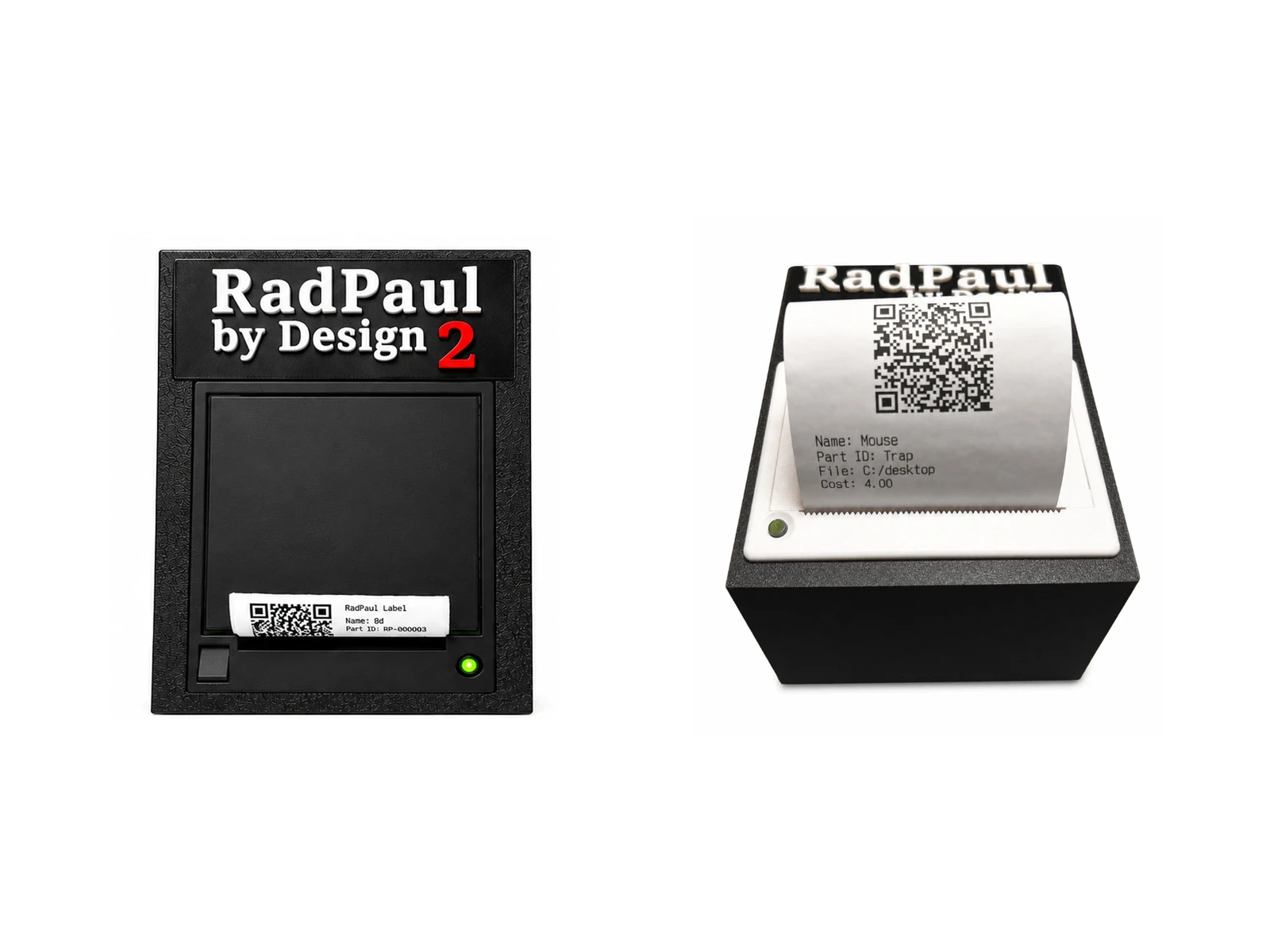
RadPaul Compact and Design 2 thermal printer product views
No ink. Ever. Built for RadPaul apps
Direct Wi-Fi printingQR code readyCustom firmwareCompact footprint

Meet the family

Two printers. One beautifully simple system.

Choose the compact everyday model or step up to the larger Design 2 for a more substantial workspace setup.

01
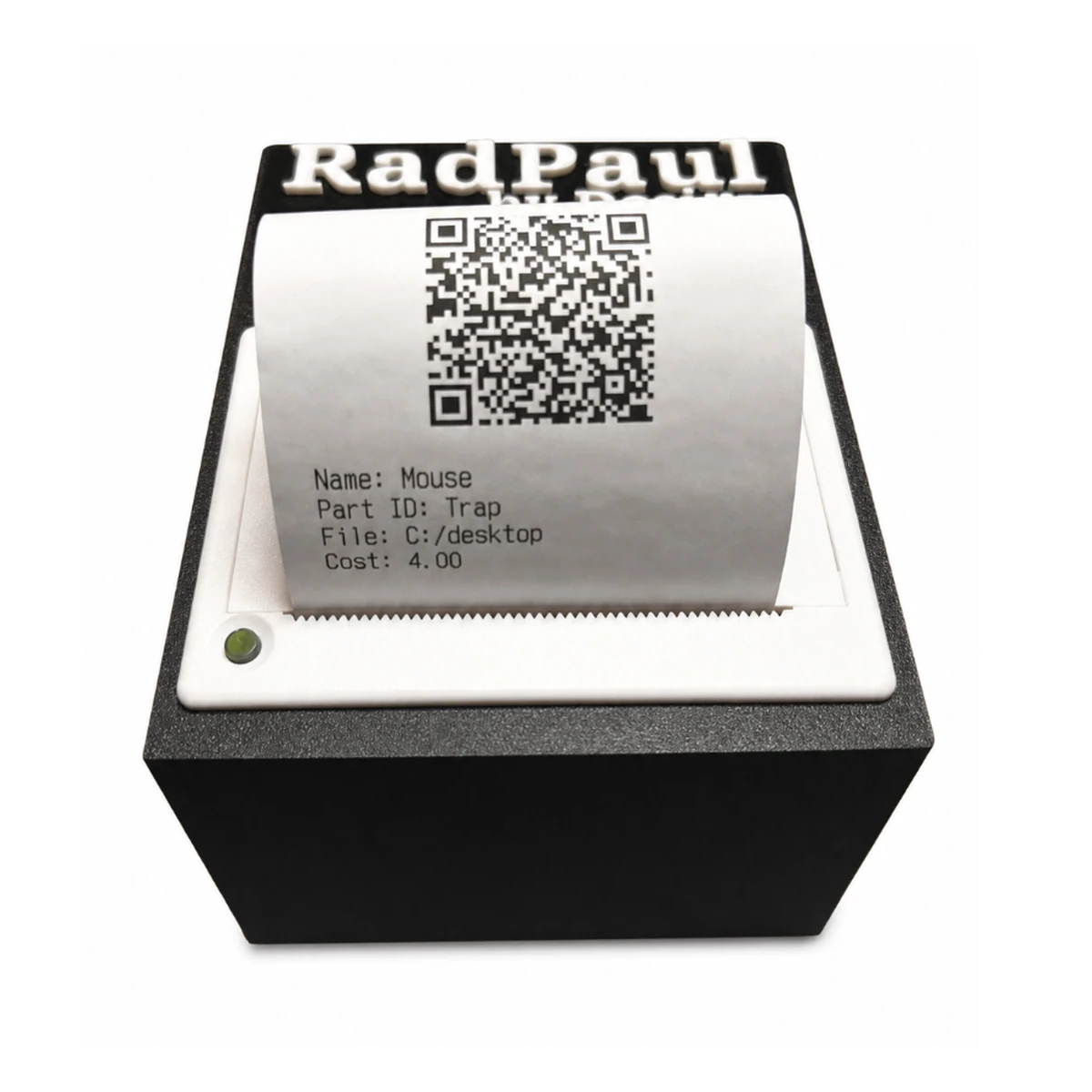
RadPaul Compact Wi-Fi thermal printer

Small size. Big organization.

RadPaul Compact

A tidy continuous-feed printer for makers, collectors, and anyone who needs QR codes or project information printed on plain thermal paper.

Media: Plain, non-adhesive continuous-feed thermal paper only

  • Compact desktop footprint
  • Wi-Fi connection to supported RadPaul apps
  • Plain continuous-feed thermal paper only
  • Non-adhesive output—this model does not print sticky labels

Uses plain, non-adhesive continuous-feed thermal paper only. Physical printer sold separately. Shipping and paper rolls are not included unless stated at checkout.

02
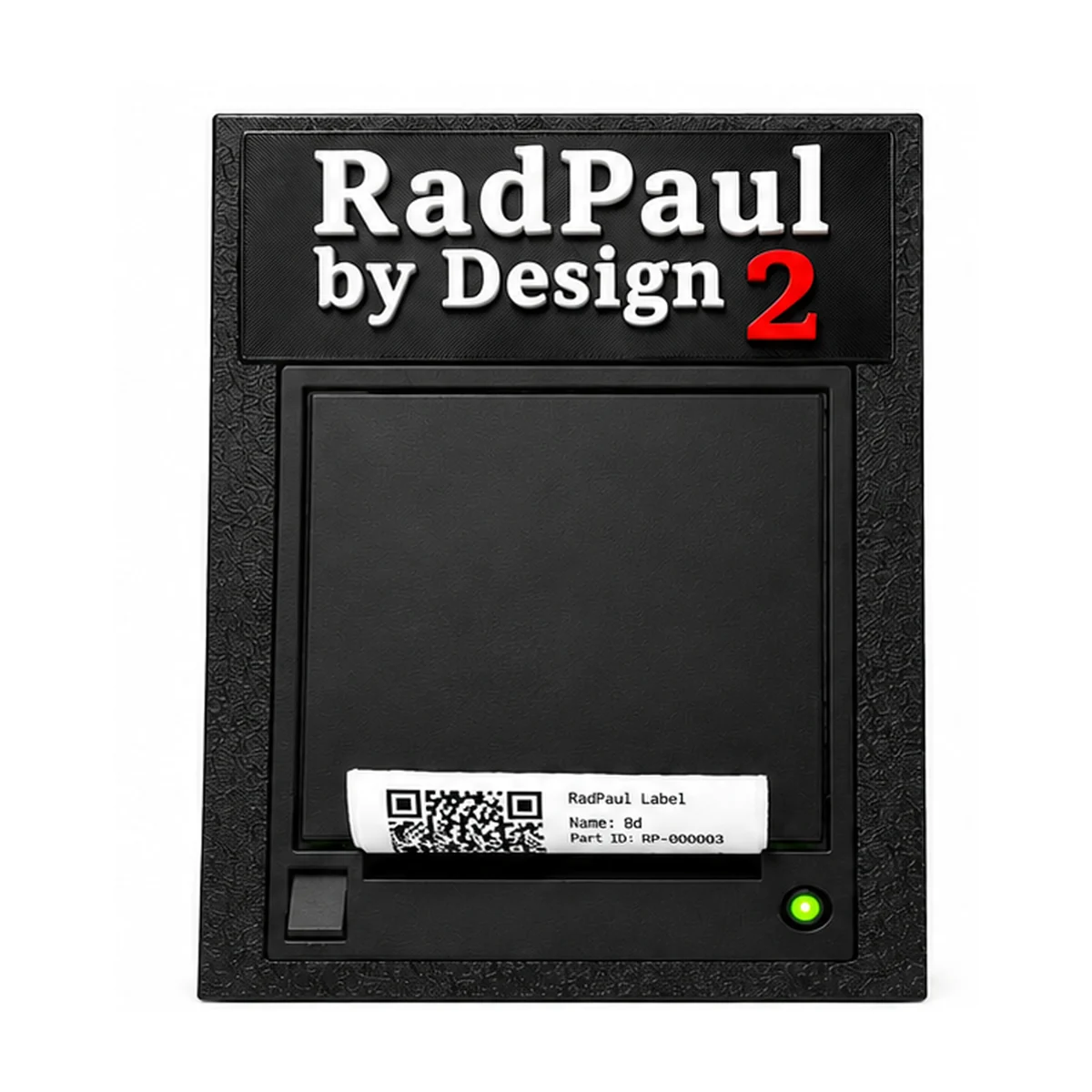
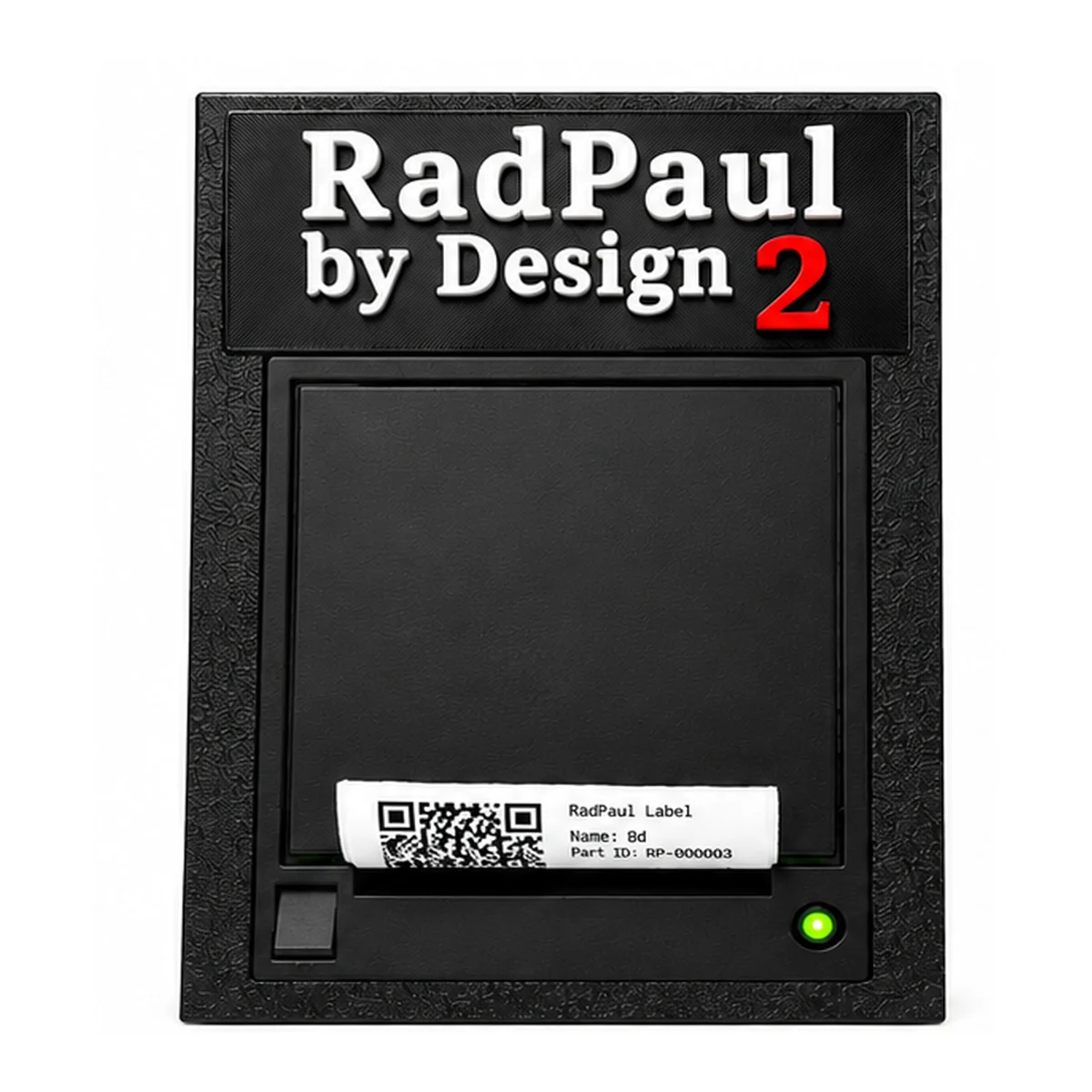
RadPaul by Design 2 Wi-Fi thermal printer

Built for serious makers.

RadPaul Design 2

The larger RadPaul printer is made specifically for peel-and-stick identification, inventory, and QR-code labels.

Media: Sticky-back adhesive thermal labels only

  • Substantial enclosed design
  • Illuminated status indicator
  • Sticky-back adhesive thermal labels only
  • Peel-and-stick output from supported RadPaul apps

Uses sticky-back adhesive thermal labels only. Physical printer sold separately. Shipping and label rolls are not included unless stated at checkout.

Purpose-built

Hardware and software, designed together.

RadPaul printers turn information from supported apps into useful plain-paper printouts or sticky-back labels for the real world.

Wi-Fi connected

Send supported print jobs without a wired phone connection.

QR code ready

Create scannable plain-paper printouts with Compact or sticky labels with Design 2.

Ink-free thermal

Print using heat-sensitive paper or adhesive label media instead of ink or toner.

Custom firmware

Purpose-built controls help the printer and supported RadPaul apps work as a system.

Maker friendly

Made for workshops, collections, tools, parts, and everyday organization.

Arizona designed

Original hardware created and assembled by RadPaul by Design in Arizona.

The RadPaul ecosystem

From your iPhone to the things that matter.

Pair a supported RadPaul app with Compact for plain continuous paper or Design 2 for sticky labels.

See how it works
CT

Collect This InventoryInventory & QR labelsView on the App Store ↗

3D

3D Printer ToolkitFit calculators, part records, and QR printing with RadPaul printers.View on the App Store ↗

RUN

Print My RunTrack your runs and turn your results into personalized printed stickers. Some features require Pro.View on the App Store ↗

AUTO

RadPaul AutoKeep vehicle maintenance, fuel logs, and expenses organized, with reports you can export and print.View on the App Store ↗

HT

Hydration Tracker2Useful printed remindersView on the App Store ↗

+

More to comeFuture RadPaul apps

Choose your printer

Which RadPaul is right for you?

FeatureRadPaul CompactRadPaul Design 2
Best forPlain QR and information printoutsPeel-and-stick identification labels
Required mediaPlain continuous-feed thermal paperSticky-back adhesive thermal labels
Adhesive backingNoYes
Wi-Fi printingYesYes
Thermal / ink-freeYesYes
QR code supportYesYes
Status indicatorBuilt inIlluminated LED
EnclosureCompact white faceLarger black enclosure
Media sizeConfirm paper width before orderingConfirm label size before ordering

Questions, answered

Everything you need to get started.

Need help choosing? Contact RadPaul before ordering and we’ll help you find the right setup.

Ask RadPaul
Do RadPaul printers need ink?

No. Both models use heat-sensitive thermal media, so there are no ink or toner cartridges to replace.

How does the printer connect?

The printers use Wi-Fi with supported RadPaul apps. Exact setup steps are supplied with your printer.

Which apps work with the printers?

Compatibility depends on the app and version. The product listing should name the currently supported RadPaul apps before you order.

What is the difference between their paper?

RadPaul Compact uses plain, non-adhesive continuous-feed thermal paper only. RadPaul Design 2 uses sticky-back adhesive thermal labels only. The media is not interchangeable between models.

Can I buy through PayPal?

Yes. Each Buy button opens a secure PayPal-hosted checkout for that physical printer.

Is this an app purchase?

No. The printer is a separate physical product. App availability and printer compatibility should be confirmed before purchase.
Ready to organize smarter?

Put your information where it belongs.

Choose your printer